Stop explaining yourself to Claude every time you open a chat.
Work Smarter, Solo shows you how I set up Claude once, so it already knows my work, my style and my rules. Then Solo Pockets gives you a place to build your own setup.
Join the waitlist and get the Solo Setup Starter free
A 5-page printable that walks you through your first Claude project tonight.
Check your inbox for the Solo Setup Starter. If it's not there in a few minutes, peek in your spam or promotions folder.
One chat isn't a workflow.
Claude doesn't carry what you told it yesterday into today's chat. Every new chat starts from zero, and so do you.
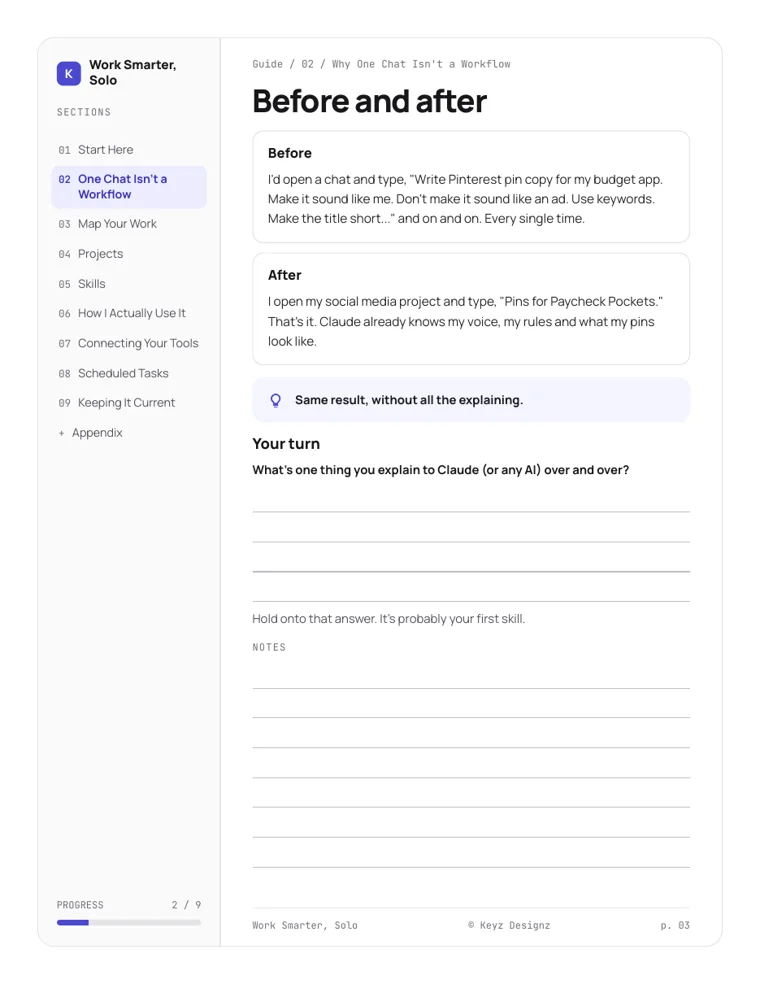
Every single time, I'd type something like:
Write Pinterest pin copy for my budget app. Make it sound like me. Don't make it sound like an ad. Use keywords. Make the title short...
I open my social media project and type:
Pins for Paycheck Pockets.
That's it. Claude already knows my voice, my rules and what my pins look like.
Same result, without all the explaining.
This is for you if...
You don't need to be techy. If you're starting from zero, good. That's exactly where I started.
The method, plus a place to do it.
The guide teaches it. Solo Pockets is where you build it, keep it and copy it into Claude.
Work Smarter, Solo
My whole setup for running apps, videos, social media and a newsletter with Claude. Print it, or write right on it on your tablet.
Solo Pockets
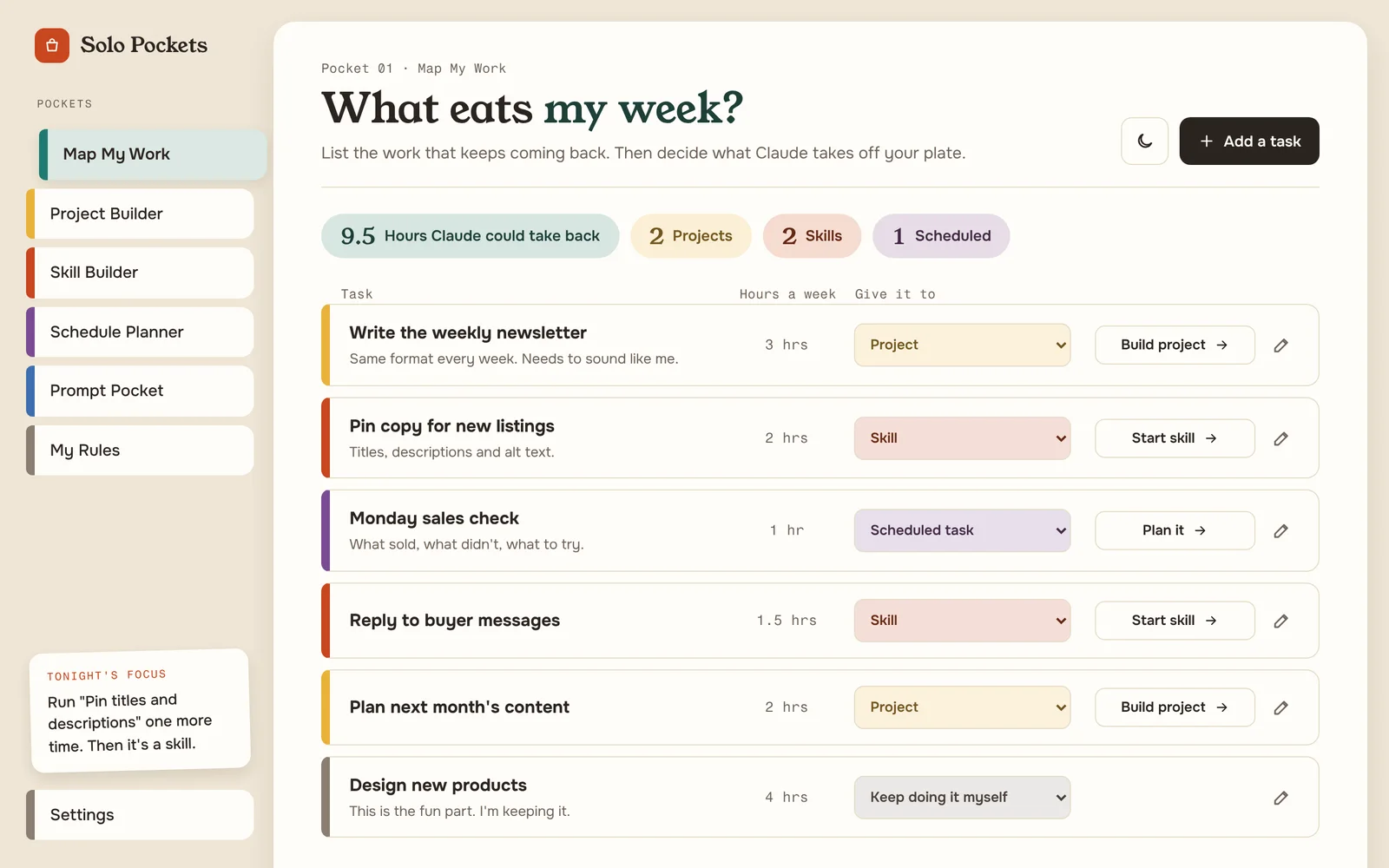
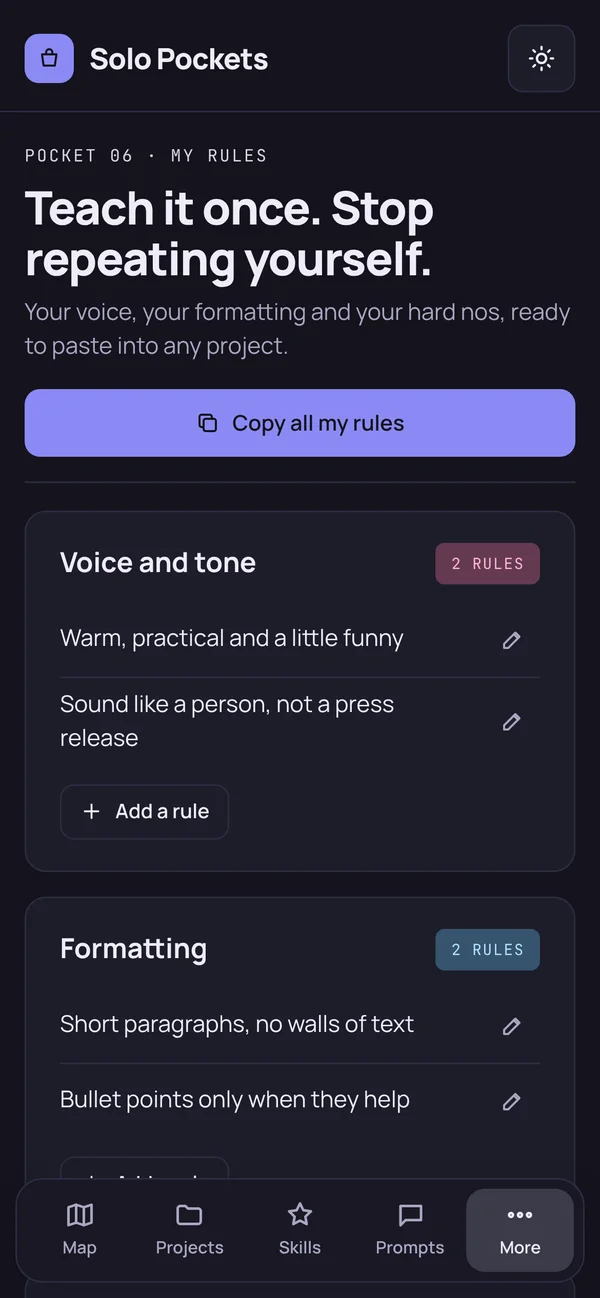
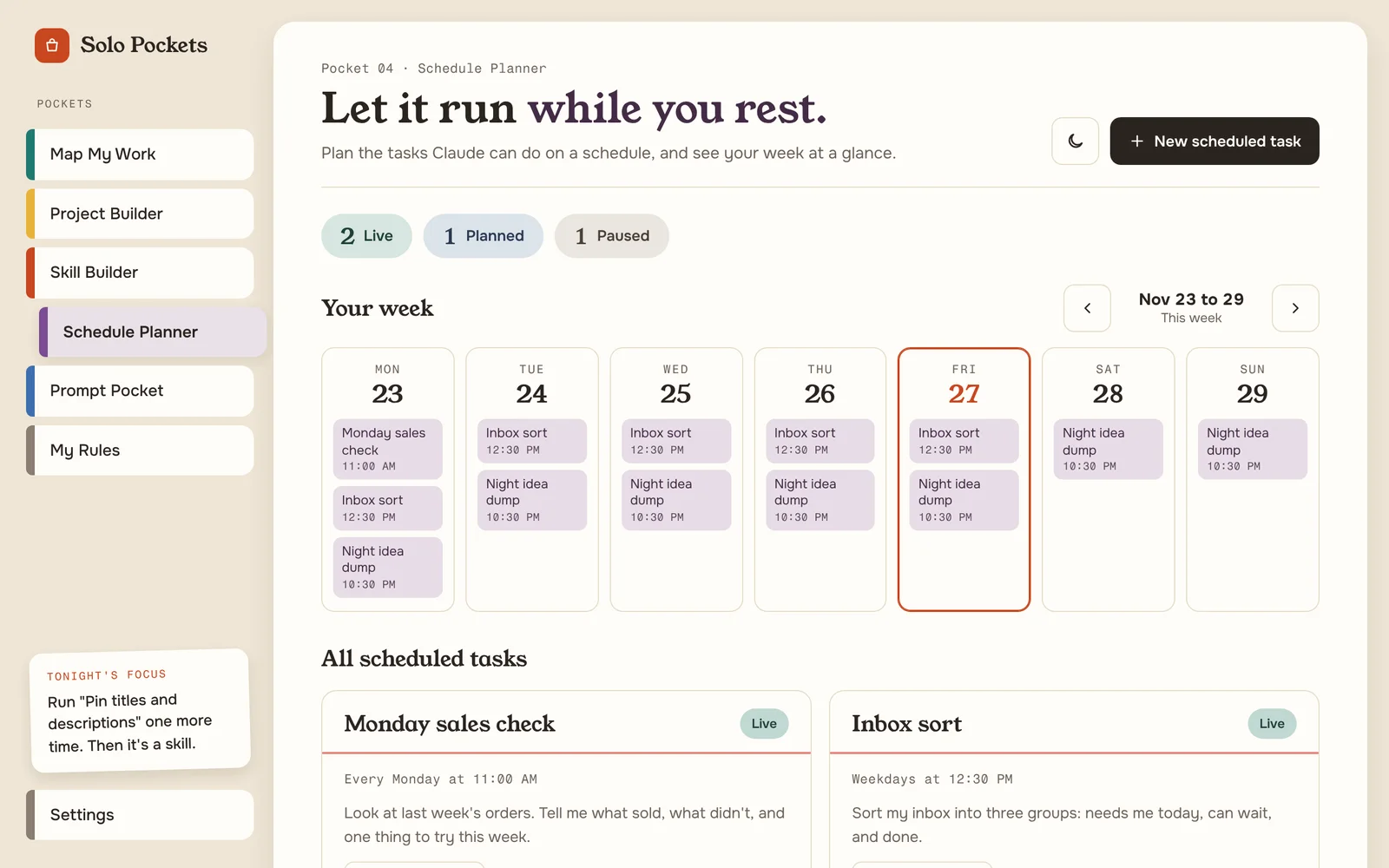
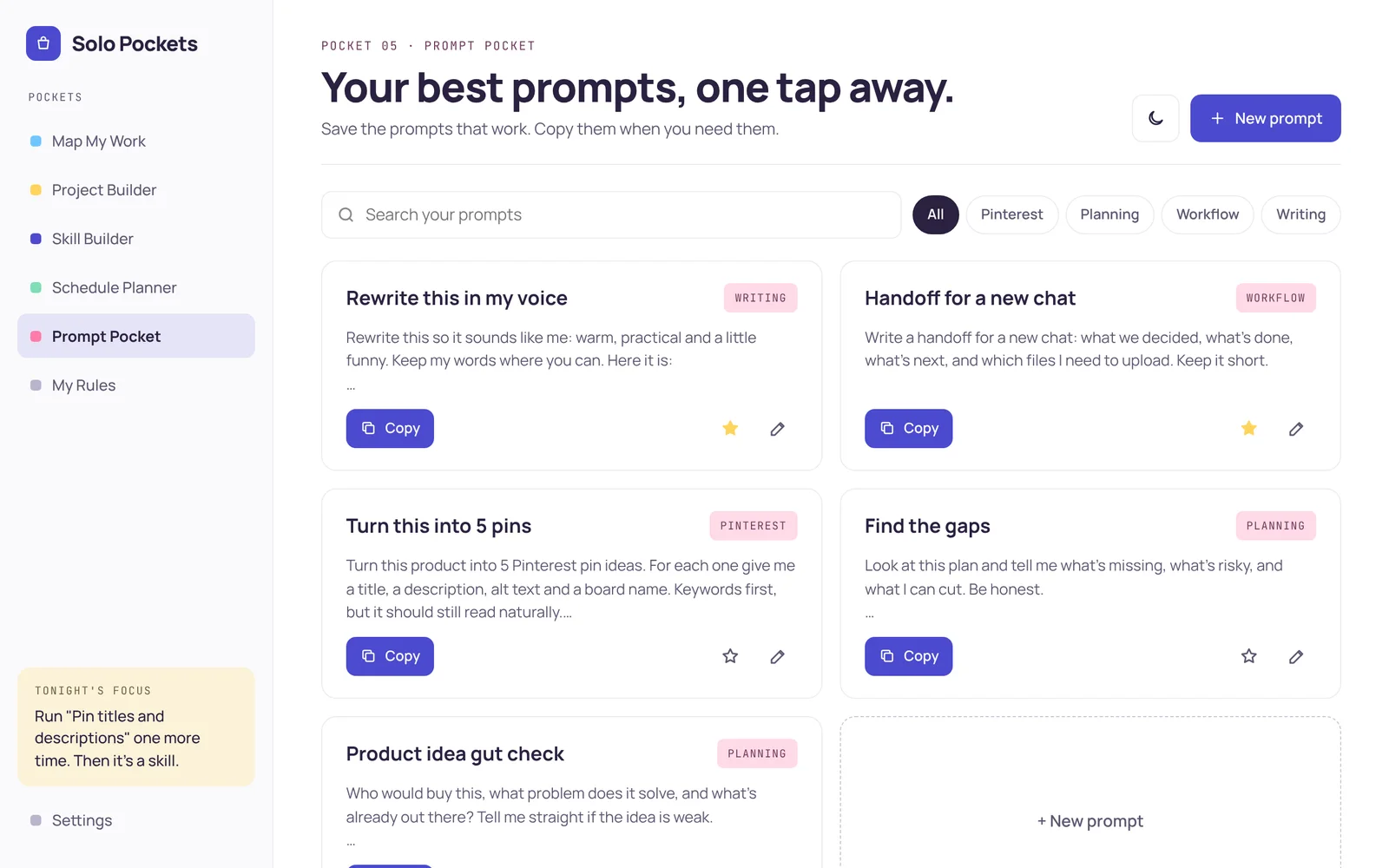
Map your work, build your projects and skills, plan what runs on a schedule and keep your best prompts one tap away.
Works in your browser on computers, tablets and mobile devices. Nothing to install.
Take a look around.
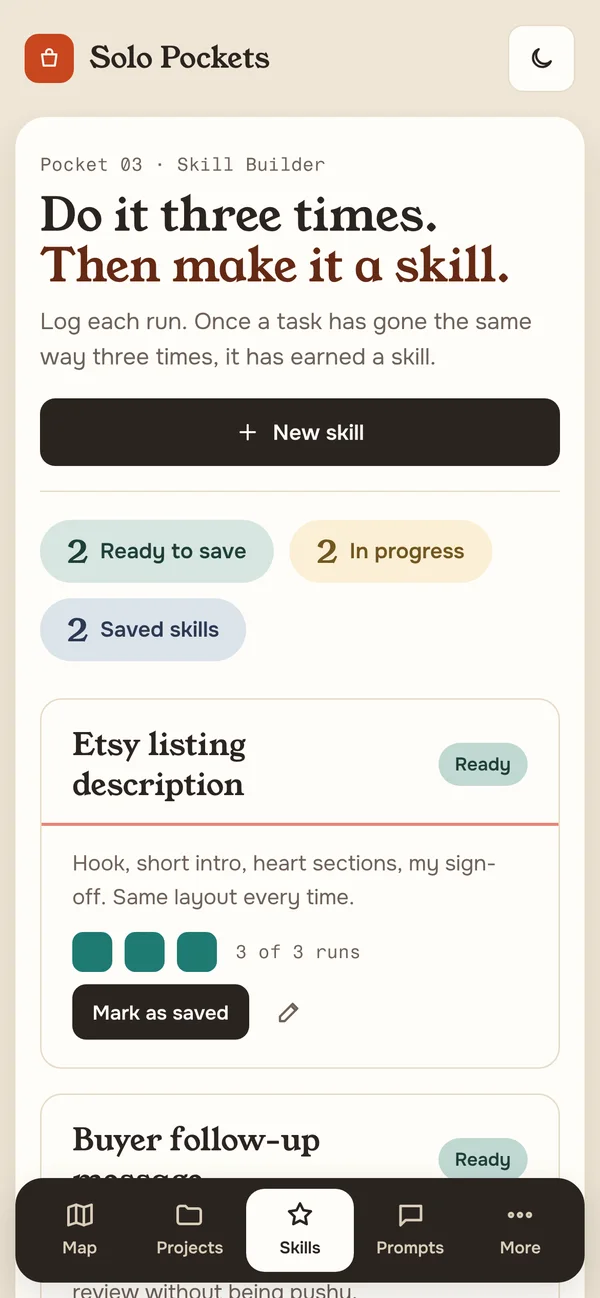
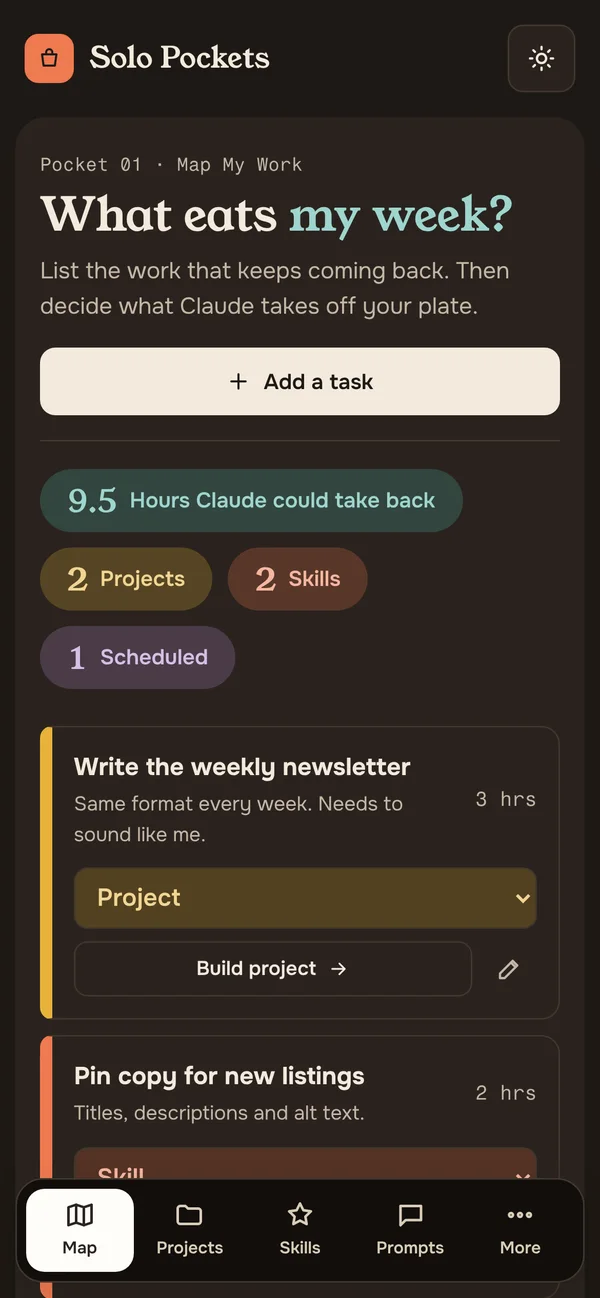
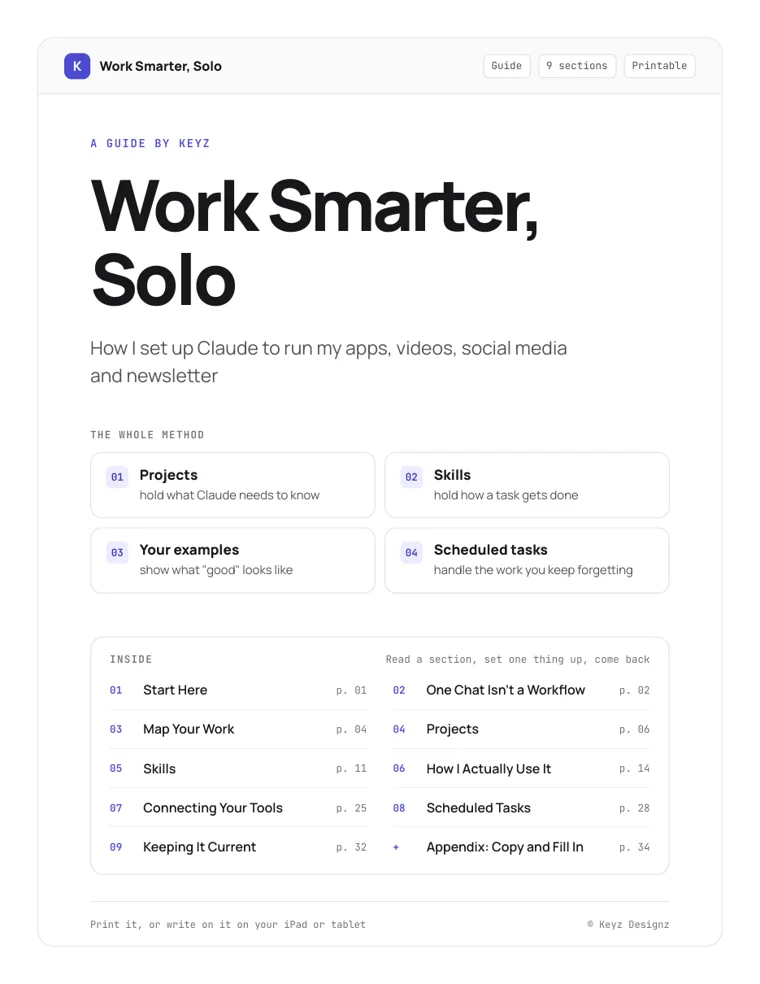
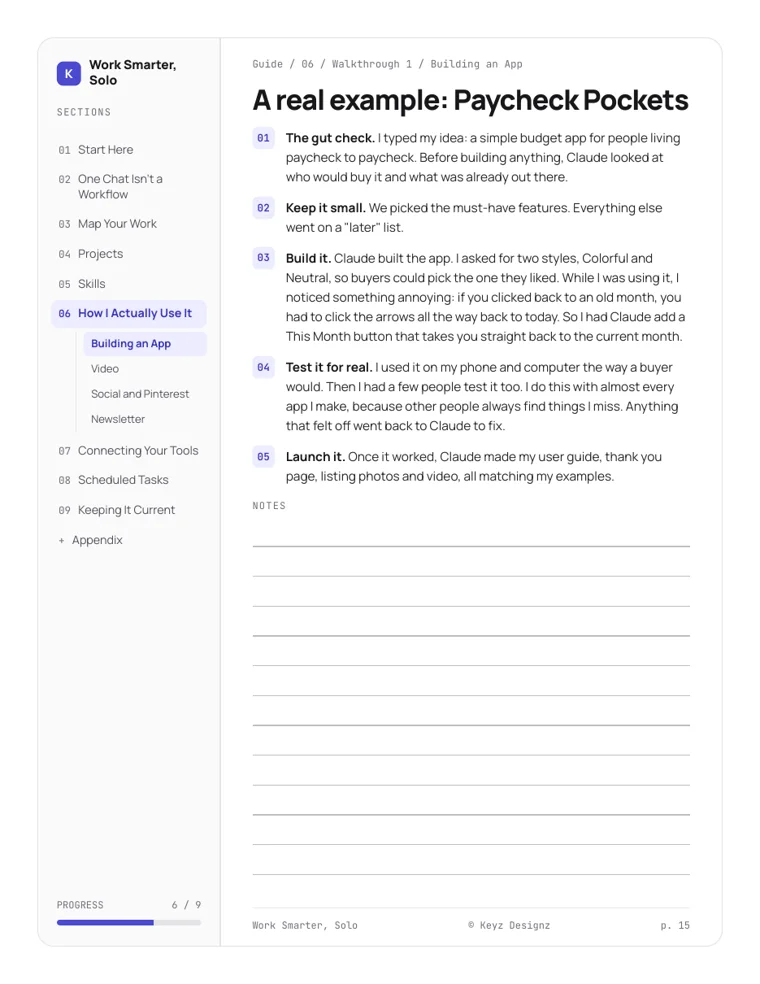
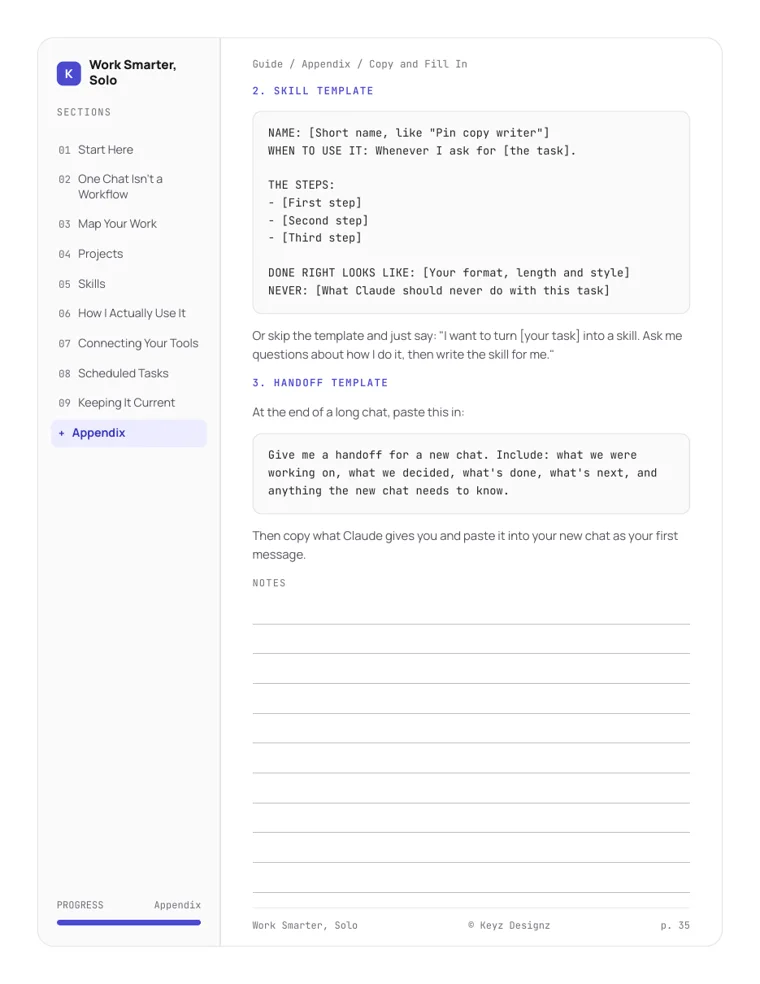
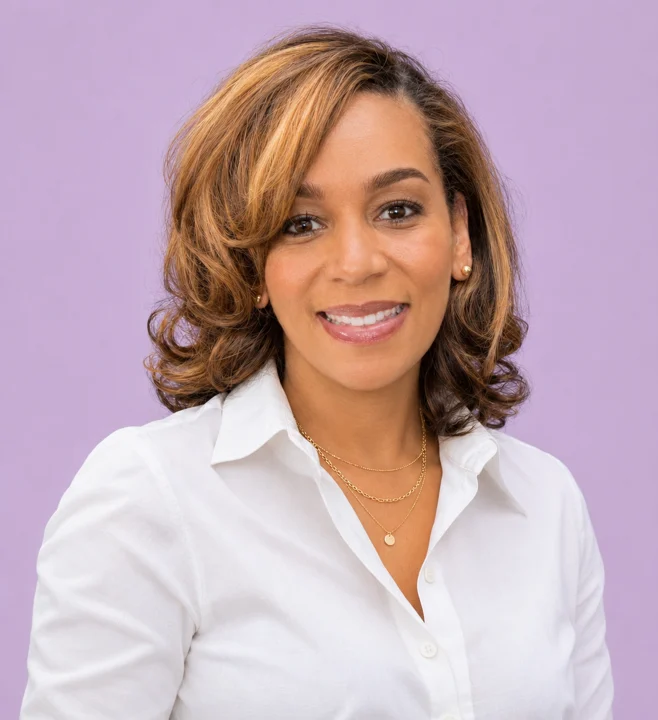
I run my whole business by myself.
I build web apps, design printables, make videos, post on social media and write a newsletter. There's nobody to hand things off to.
What I do have is Claude, set up to work the way I work. I didn't have it figured out from day one. I started by asking, "Can Claude even do this?" and kept going.
This is exactly how I set it up, so you don't have to start from scratch.
♡ Keyz
Good to know.
Does Solo Pockets connect to Claude?+
No, and that's on purpose. You build your projects, skills and prompts in Solo Pockets, then tap Copy and paste them into Claude. The copy buttons are the bridge. No logins to link, nothing to break.
Do I need a paid Claude plan?+
You can start on the free plan. Projects, the heart of this method, are included there (free accounts can make up to five). Some of the other features the guide covers depend on your Claude plan, so check what yours includes.
Does it work on mobile devices?+
Yes. Solo Pockets works in your browser on computers, tablets and mobile devices, in light or dark mode. Your work saves on your own device, and a backup code lets you move it to another one.
Is it a subscription?+
No. You pay once and it's yours, including future updates to the app.
What's the Solo Setup Starter?+
A free 5-page printable you get when you join the waitlist. It walks you through mapping your work, writing your instructions and setting up your first Claude project, with a copy page for every prompt.
When can I buy it?+
It opens Monday, January 4. The waitlist hears first, and I'll email you the link the moment it's live.
Set up your year with Claude.
For the first 48 hours, Monday, January 4 through Wednesday, January 6, it's $29. After that, it's $39. The waitlist hears first.
Join the waitlist and get the Starter free
Check your inbox for the Solo Setup Starter.
No spam. Unsubscribe anytime.
Work Smarter, Solo is open!
Get Work Smarter, Solo